Every site has texts too long to live inside the code: an about page, a privacy policy, the post you are reading. Where they live, and how far the site trusts them, is a choice. WebMastro makes it in two ways, and the difference between them is not the syntax but who wrote the text.
Texts are files
A long text is a file, one per language: content/en/about.html, content/it/about.html.
If a translation is missing, the site falls back to the original language instead of failing. What the framework never does is
keep a text as a string of HTML pasted into the PHP: a page is a tree of nodes, rendered once at the end, and a
text file enters that tree as one piece of it. Both ways below end in the same place, the same reading style
and the same accessibility check on the finished page.
HTML, when you wrote it yourself
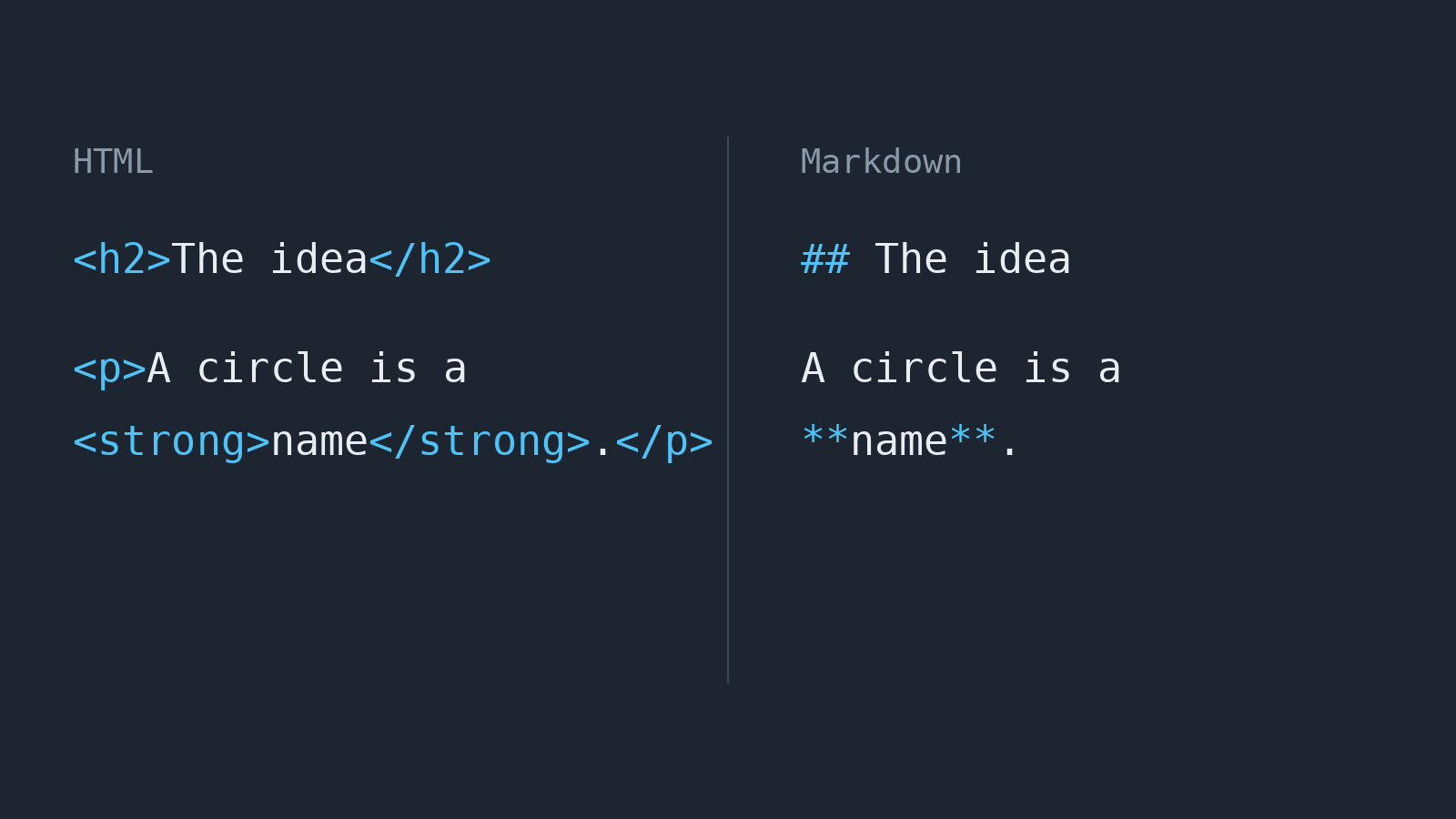
An HTML file is trusted content. It is part of the site, written by its author, so it is inserted as it is. That makes it the one place where WebMastro lets markup skip escaping, and it does so through a single, visible class, so that every use of it is a decision you can search for. The rule that follows is simple: never point it at a file that a visitor can write.
Two small things make it more than pasted HTML:
- Nodes inside the text. Where a picture, a widget or an e-mail address should stand, the text
holds a placeholder,
{{name}}, and the page gives the node for it. The check is strict both ways: a placeholder with no node, or a node the text never uses, is an error. A translation that loses a placeholder fails the tests instead of silently dropping the picture. The figures of the posts of this journal are placed this way. - Links out of the site. A link to another site opens in a new tab and says so to screen
readers, as the framework's own links do. Write
target="_self"to keep one in the same tab.
It is the format of this journal, of the about page and of the privacy policy: texts that I write, for my own site.
Markdown, when the text comes from somewhere else
The other case is a text that somebody else owns. The help of the new BeeBEEP is written next to the application, by whoever changes the application, and the website only reads it. There the site cannot simply trust what it finds, and there is a second reason for caution: Markdown, in its common forms, accepts anything.
So WebMastro reads a restricted Markdown, small enough to be read in a few hundred lines, with no
third-party engine behind it. It knows a header between two --- lines, headings from ## to
####, lists, tables, code with its language, notes such as > [!WARNING], images with
their description, links, and in the text code, strong and emphasis. And it
refuses what it does not know, saying where, instead of drawing it as best it can:
- raw HTML, a heading of the wrong level, a level skipped or repeated;
- a block of code without its language, or left open;
- an image without its description, which is also an accessibility rule: the text is refused until it has one.
The refusal carries the name of the file and the line, so the person who wrote the text finds the mistake where
they made it. Links and images are not addresses written once and for all: a link to
other-page.md#part goes through the site, which decides where that page lives, and so does an image,
which can then be given its size and its smaller copies. The text becomes nodes like everything else on the page,
so what it writes is escaped, with no exceptions to remember.
Which one
A rule of thumb that I find enough: if you write it, and the site is yours, HTML; if someone else owns the source, or a program checks it, Markdown. The first gives you all of HTML and asks you to be careful, the second gives you less and does the being careful for you.
Trust is a decision. It is better when the code makes it visible.